Book a demo
For digital agencies

You have eight tools. Not one of them tells you the thing you needed to know.

Monday for tasks, QuickBooks for the books, HubSpot for the leads you meant to work, WhatsApp for clients, a spreadsheet for the report. None of them talk, so the cash problem arrives by phone from your accountant and the unhappy client arrives as a non-renewal. AbelEdge is the back office with Kala across it, and four front-office suites built by people who ran agencies for twenty years.
Back office: CRM · Finance · HR · DeliveryFront office: RankForge · AdForge · ConvertForge · PageForge
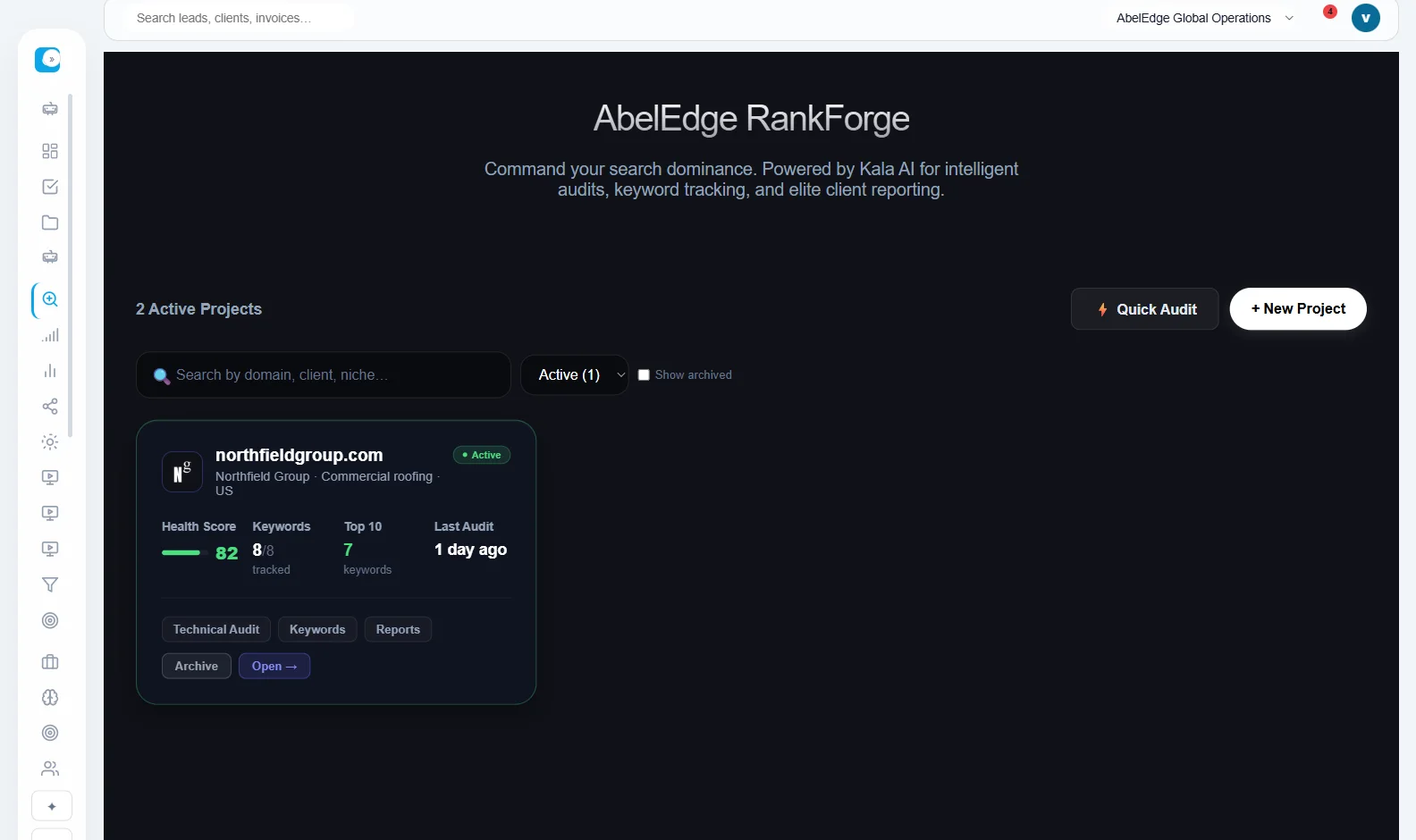
RankForge: a client project with its health score and last audit
At scale

Twenty client sites, one place, and an order to work them in.

The tools you rent were built for one site. Every one of them makes twenty clients into twenty logins, twenty audits and twenty reports assembled by hand on the first of the month. Here the client is the unit: their site, their campaigns, their invoices and their health sit together, the report writes itself, and Kala tells you which of the twenty needs you this week rather than making you open all of them to find out.

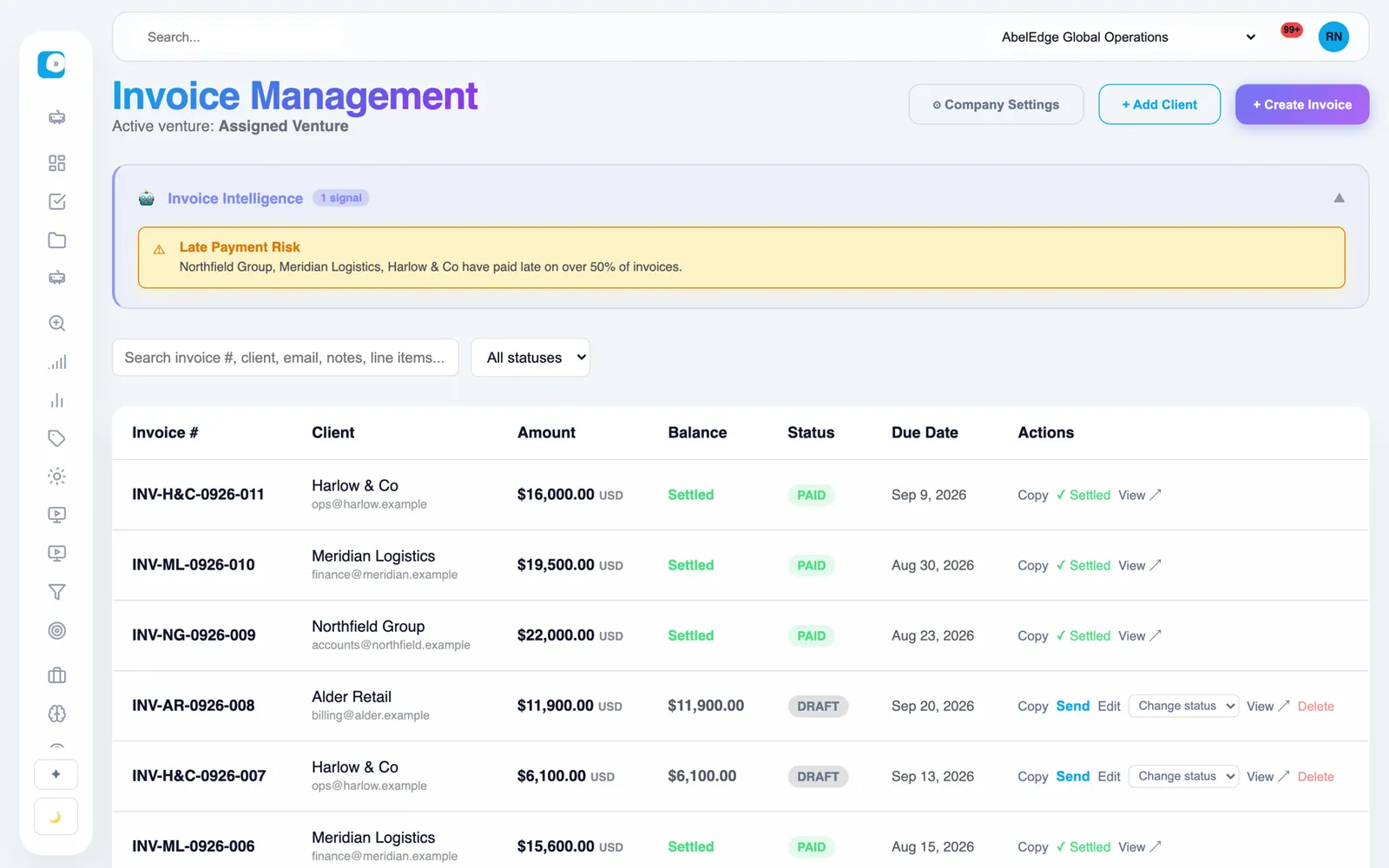
Invoice management with client names
See it in action

The product, close enough to read.

Every card below is cut from the real AbelEdge, running on a demo company. No mockups.

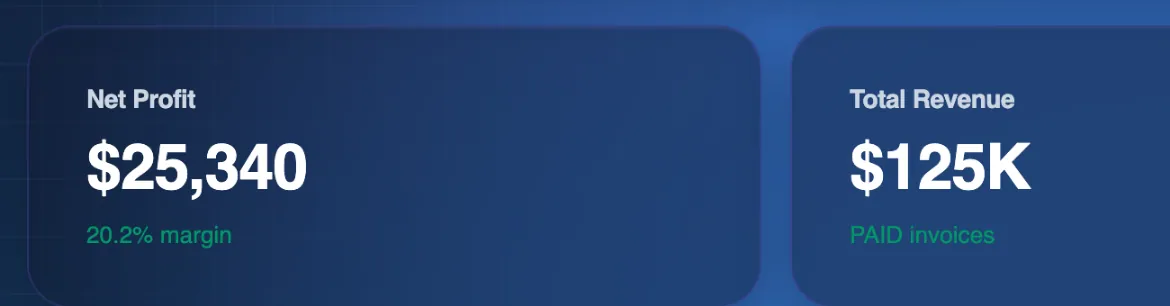
Net profit, total revenue and total expenses tiles
DashboardProfit, revenue and expenses, every day
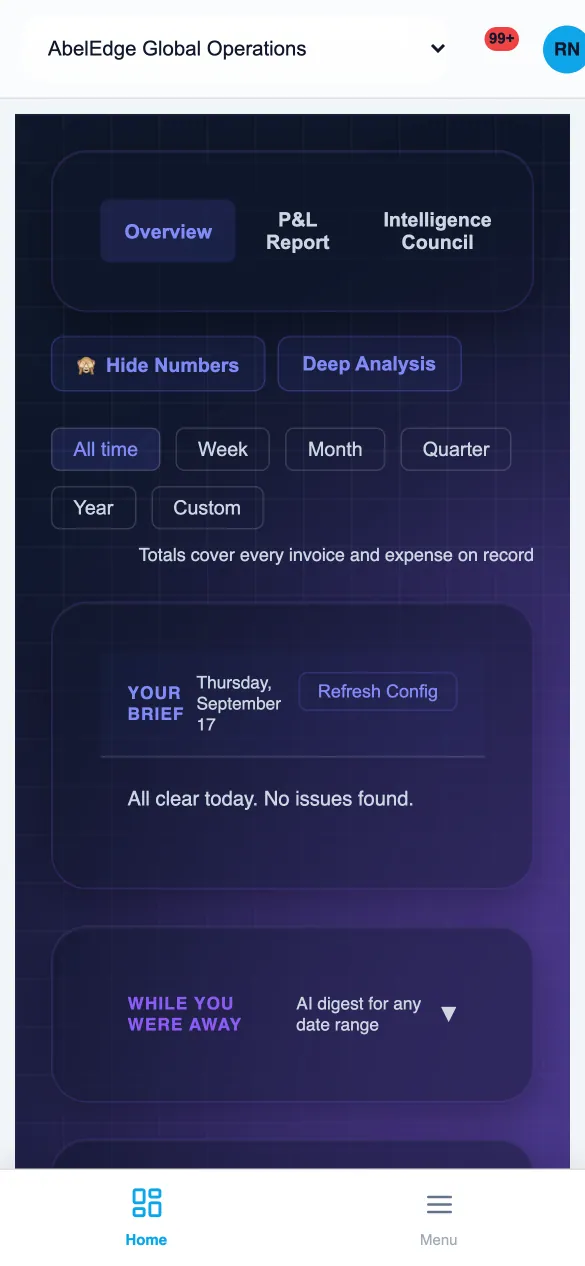
Your brief for the day: all clear, no issues found
KalaYour brief for the morning
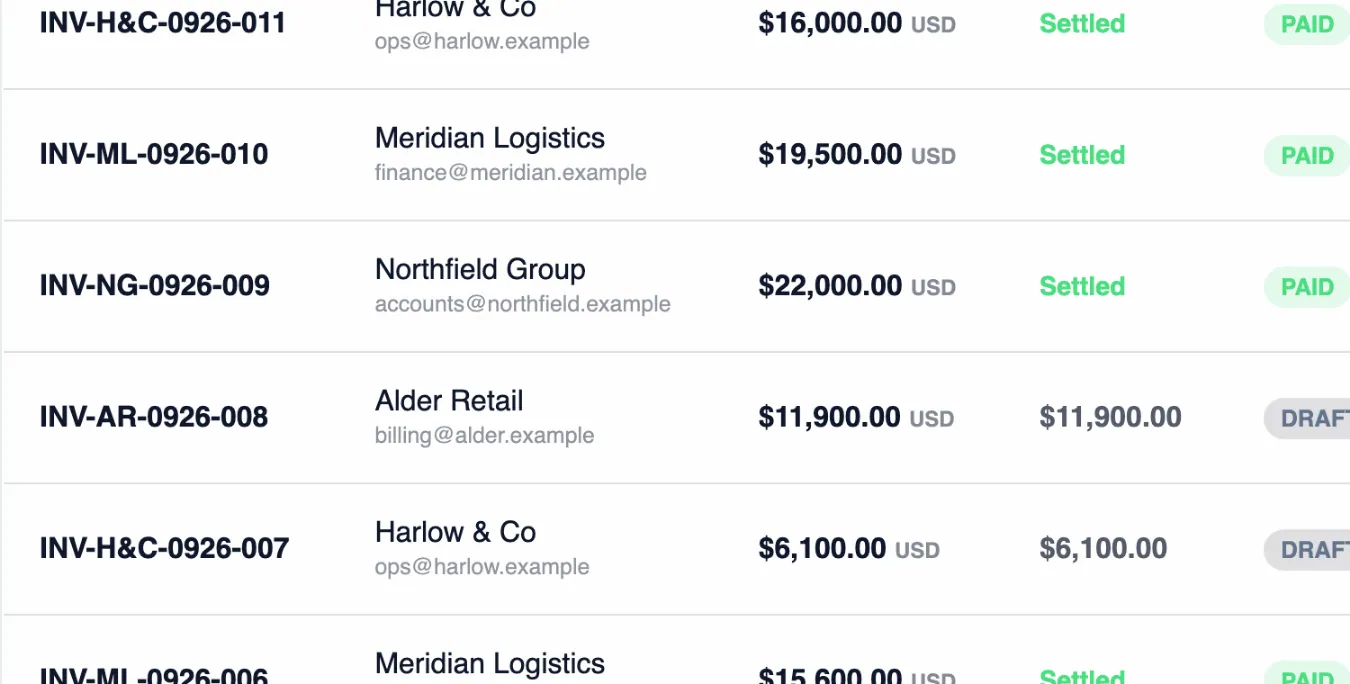
Invoice rows with client, amount, balance and status
FinanceInvoices, settled
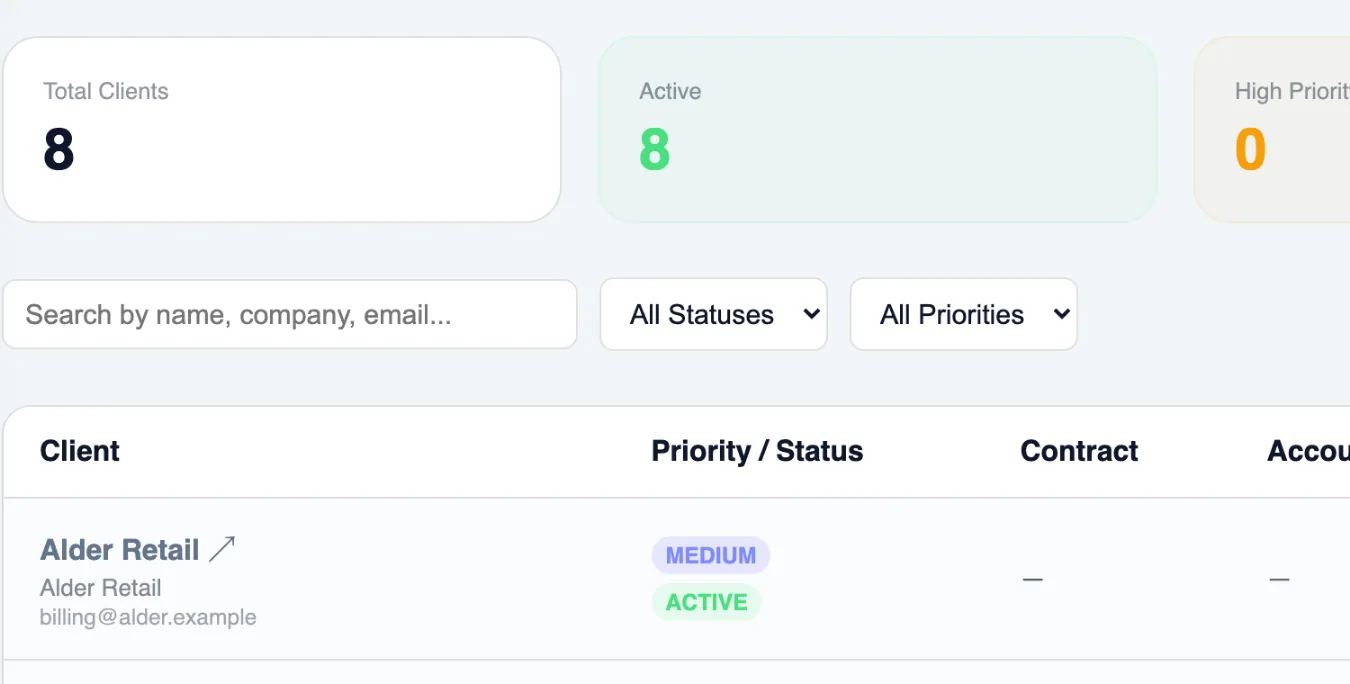
The client list with priority and status
CRMEvery client, one record
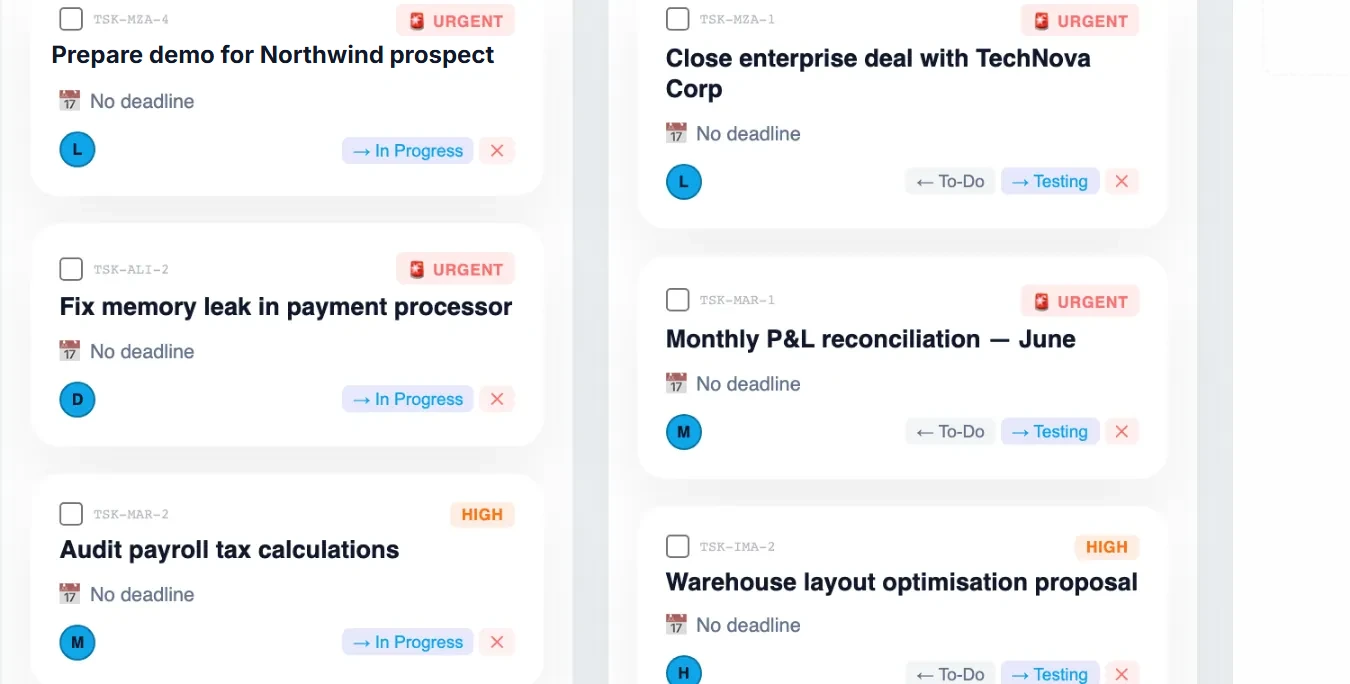
Task board columns
DeliveryThe board, with priorities
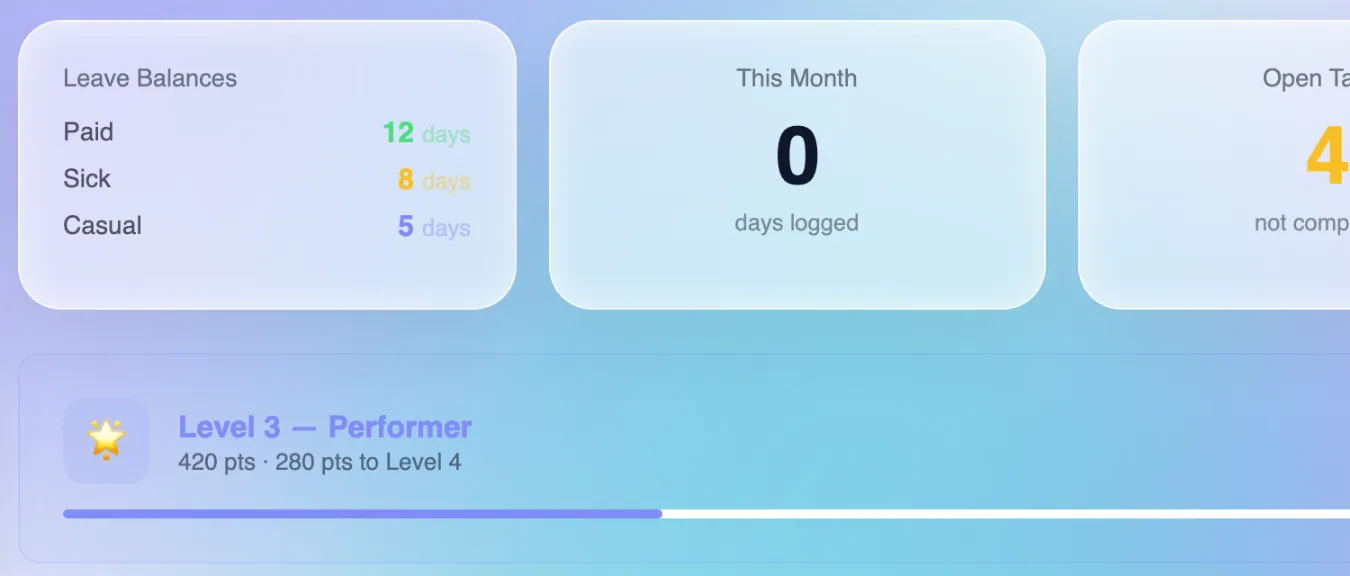
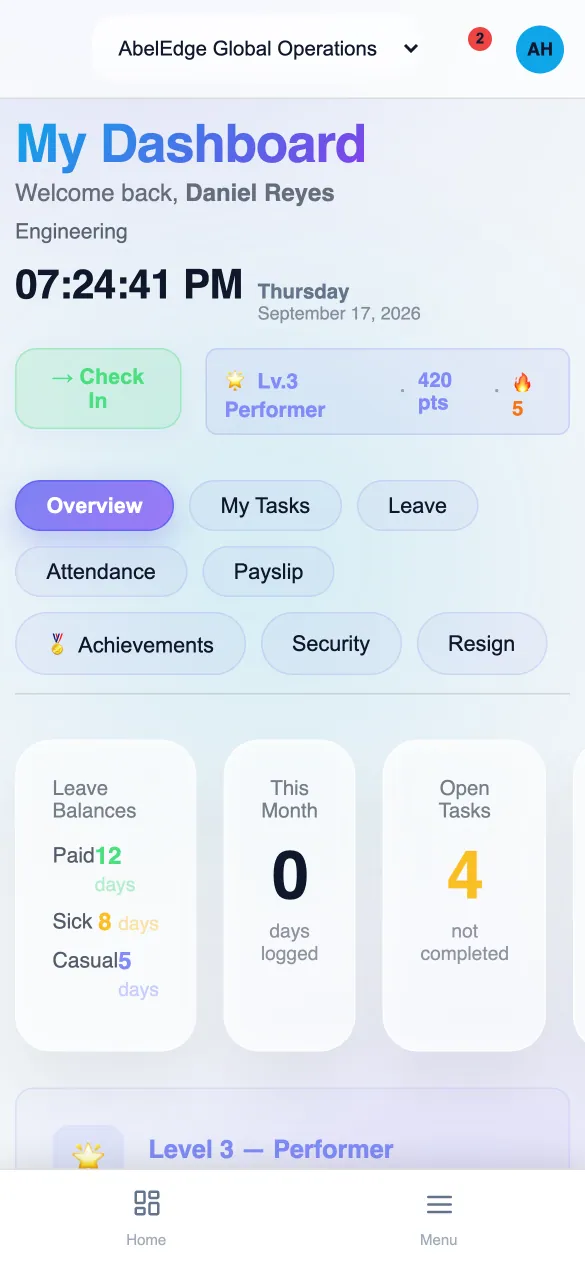
Employee portal: leave balances, open tasks, efficiency score, level and streak
EmployeeLeave, tasks, level, streak
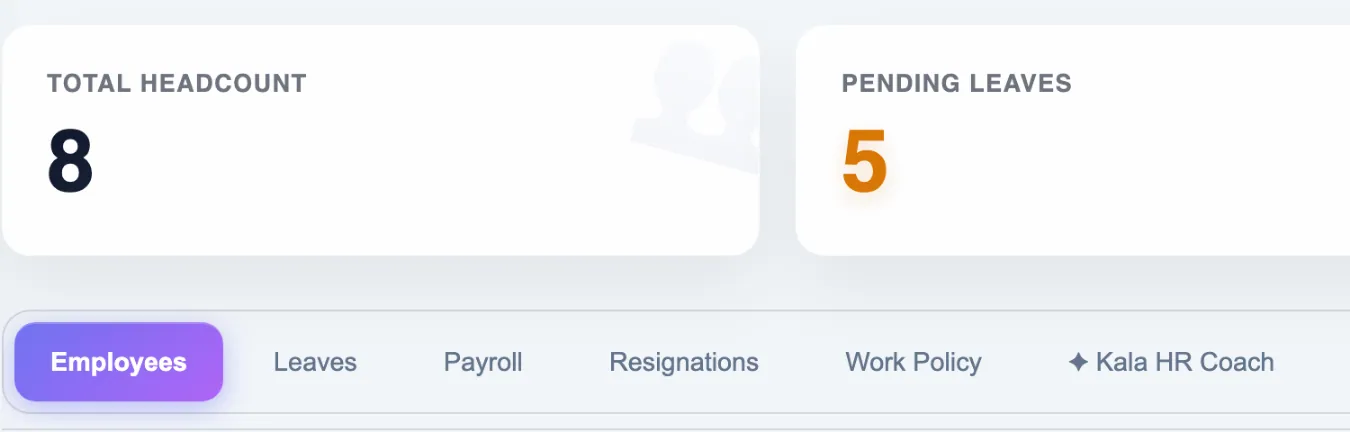
HR headcount, pending leaves and draft payrolls
HRHeadcount, leaves, payroll
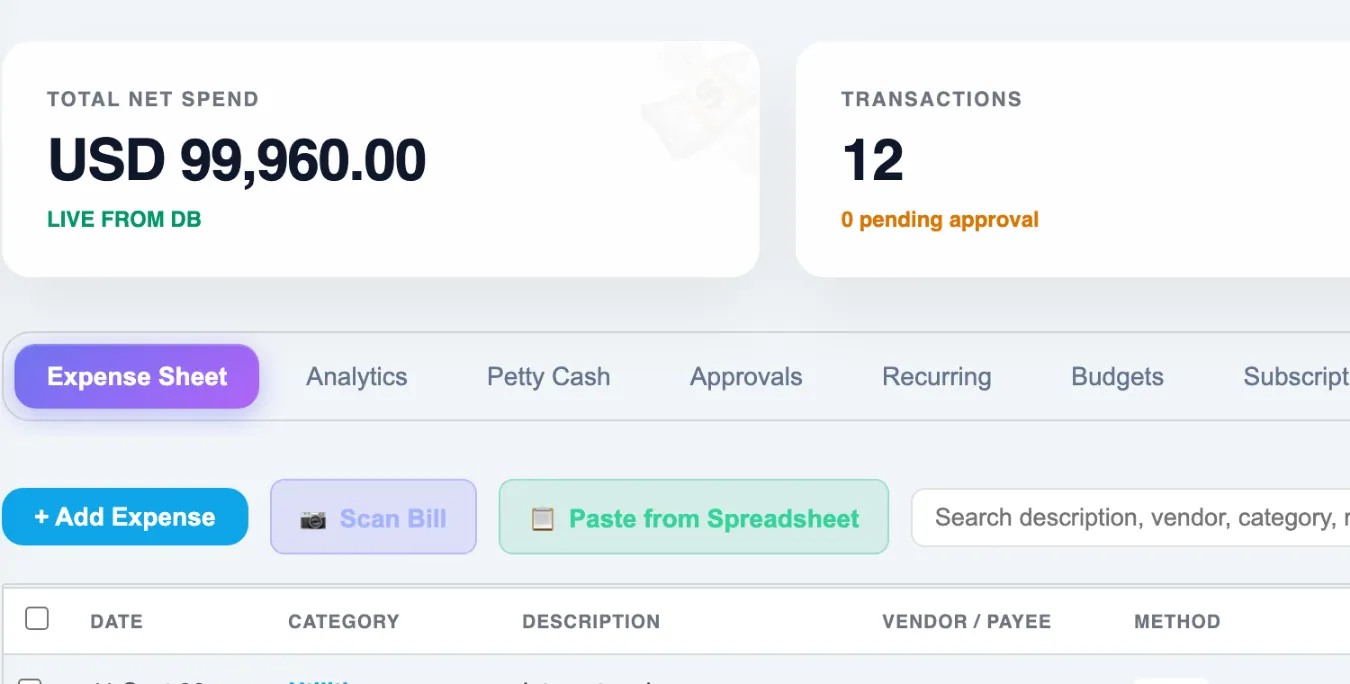
Expense management
FinanceExpenses, categorised
For your team

Not just an owner's dashboard. Every person on the team logs in.

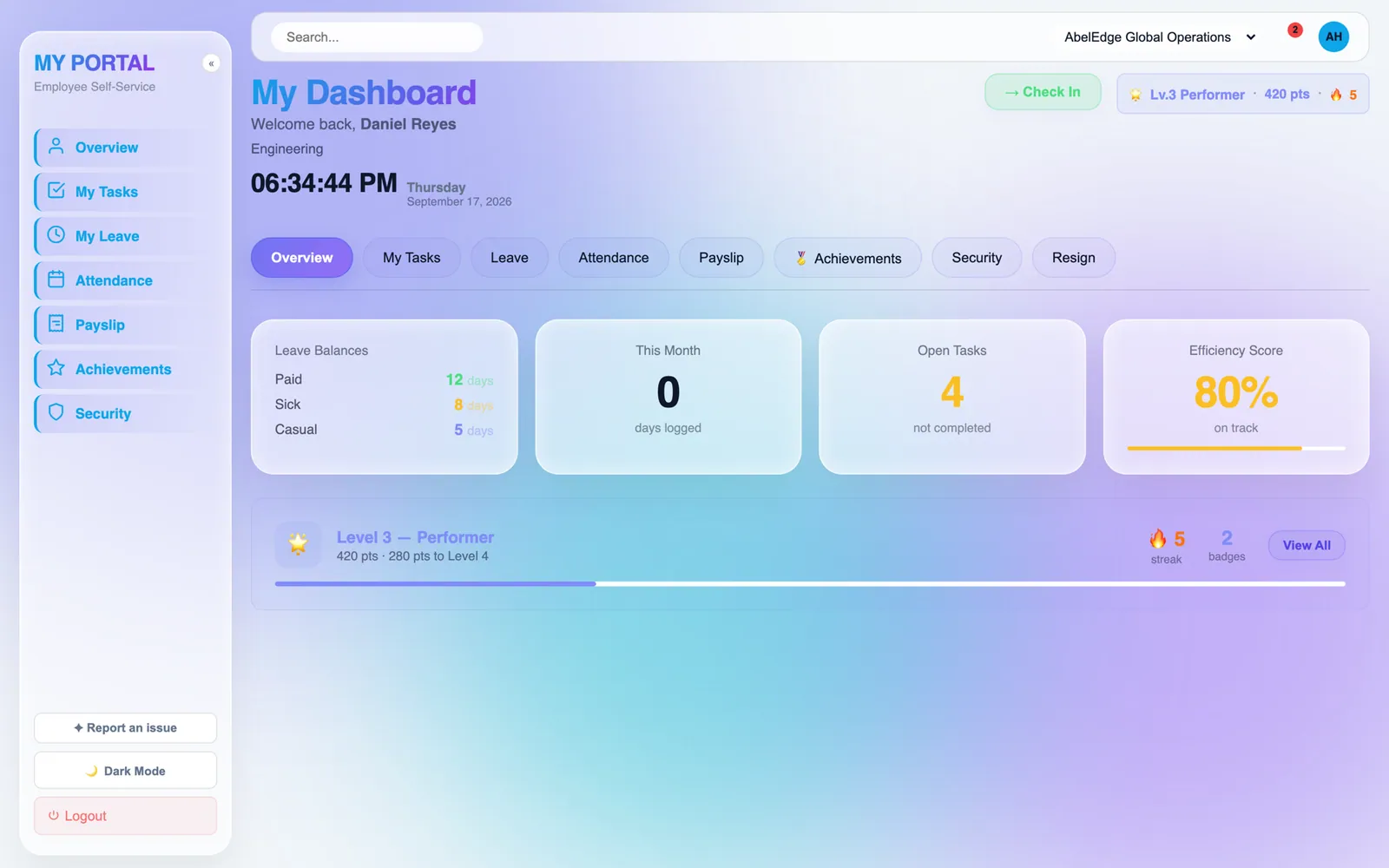
Each employee gets their own portal — not the owner's view with things hidden, a different screen built for the person doing the work. Attendance, their tasks, their leave and payslips, and a small amount of recognition for getting things done.Every employee gets a screen built for their work: attendance, tasks, leave, payslips.

  • Check in, check out — attendance from the portal, on a phone or a laptop
  • My tasks — only theirs, with the urgent and overdue ones called out at the top
  • Leave and payslips — balances, requests and slips without asking HR
  • Achievements — levels, streaks and badges that reward finishing, not just starting
  • Only what they are allowed — modules are switched on per person; a designer never sees payroll
  • Kala, where you enable it — the same layer, scoped to their own work
The employee portal: check in, leave balances, open tasks, efficiency score, achievements and alerts
The owner's dashboard on a phoneOwner
The employee portal on a phone, with check inEmployee
On a phone

The whole thing works from a phone. Both halves of it.

The owner's dashboard and the employee's portal are the same product on a smaller screen, not a cut-down app. Nothing is hidden on mobile that you would need at a desk.Owner and employee, the same product on a smaller screen. Nothing you need at a desk is hidden here.

  • Owner — the brief, the numbers, approvals and Kala's findings, from anywhere
  • Employee — check in and out, their tasks, leave and payslips, from their own phone
  • Same login, same permissions — a person sees exactly what they see at a desk
  • No app store — it is the web product, so it is always the current version
Plans and pricing

Priced by the size of the company, not the industry

Every plan includes Kala. Regional pricing applies automatically where supported. Ask about an annual term when we set your account up: it carries a 15% credit bonus.Every plan includes Kala. Annual billing adds 15% credits.

Starter
$59/month
For a team finding its feet
  • 3 users, 1 venture
  • CRM and sales pipeline
  • Tasks and projects
  • Finance and invoicing
  • RankForge and AdForge
  • Kala Essentials
See details
Growth · most chosen
$229/month
For a company with people to run
  • Everything in Starter
  • 10 users, 5 ventures
  • HR and payroll
  • Intelligence Council
  • PageForge
  • Kala Advanced
See details
Scale
$699/month
For an agency with clients to report to
  • Everything in Growth
  • White-label client reporting
  • 30 users, 20 ventures
  • 4,500 intelligence credits
  • Kala Premium
See details
Enterprise
Custom
Priced per deal
  • Everything in Scale
  • Ventures and users set per deal
  • Custom AI limits
  • Named support
Talk to us

Only need one suite? SEO on its own is $89, and paid media on its own is $129.

Run an agency?

Four front-office suites built by people who ran SEO, paid media and conversion work for twenty years, and paid the most experienced practitioners in each field to specify them.Four suites, specified by people who ran this work for twenty years.

AbelEdge for agencies

We did not read about these disciplines.
We hired the people who wrote them.

Each module was designed with paid consultancy from the most experienced practitioners in its field and built to what they specified. Underneath sits twenty years of running this work ourselves.Each module was specified by the most experienced practitioners in its field, then built to that.

20 yrsrunning SEO, paid media and conversion work before any of this was written down
12standing checks Kala runs against your records on a schedule, whether or not you log in
5advisors on the Intelligence Council, writing one board paper a week
info@abelops.com